



RobyCasino App
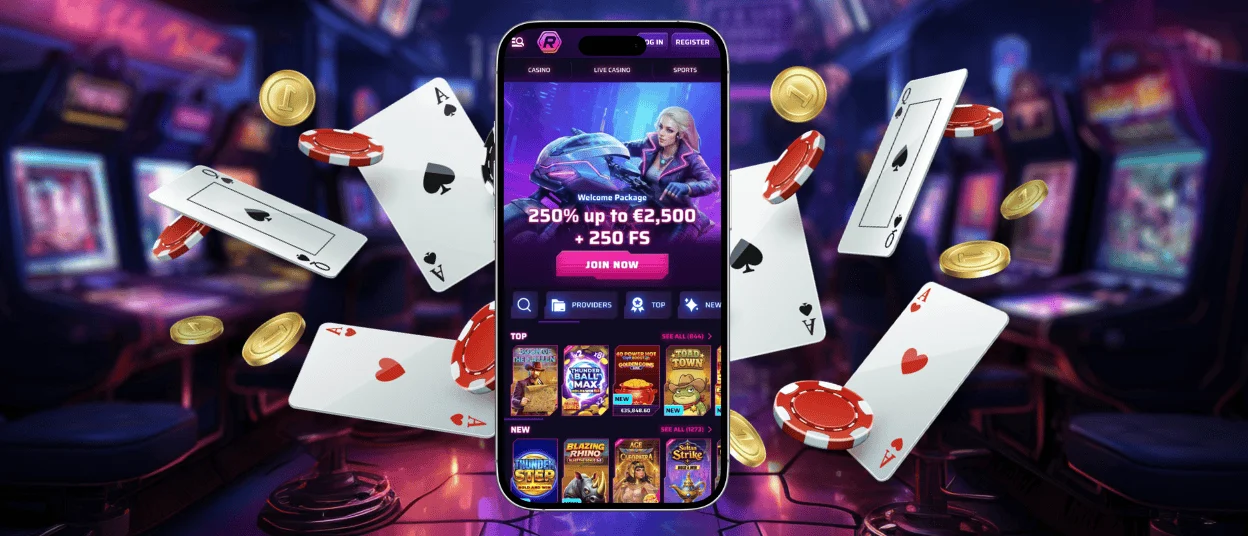
The RobyCasino App is a Progressive Web App that opens through the casino website. There is no app-store package to download. You can play in a regular browser tab or save a shortcut to your phone or tablet.
The mobile version uses the same email and password as the main website. Its responsive layout fits smaller screens, and players can also enter the Live Casino section. Because the service runs online, you return through the website whenever you open the shortcut.



Key Features
On mobile, Roby Casino opens in the browser. You can also add the site to the home screen and return with one tap.
The page fits a phone or tablet instead of squeezing a desktop layout onto a smaller display. Your regular login works there, and the Live Casino section remains available.
RobyCasino Android
RobyCasino works on Android through the browser, so an APK is not required. The site offers an installation link, while the browser menu provides another way to create the shortcut.
- Open the official Roby Casino website on your Android device.
- Try the installation link shown on the site.
- If needed, tap the three-dot browser menu and choose Add to Home screen.
- Enter a name and save the new icon.
Tap that icon whenever you want to reopen the mobile casino. Avoid APK files offered on unrelated websites, as the official mobile version comes directly from the casino site.
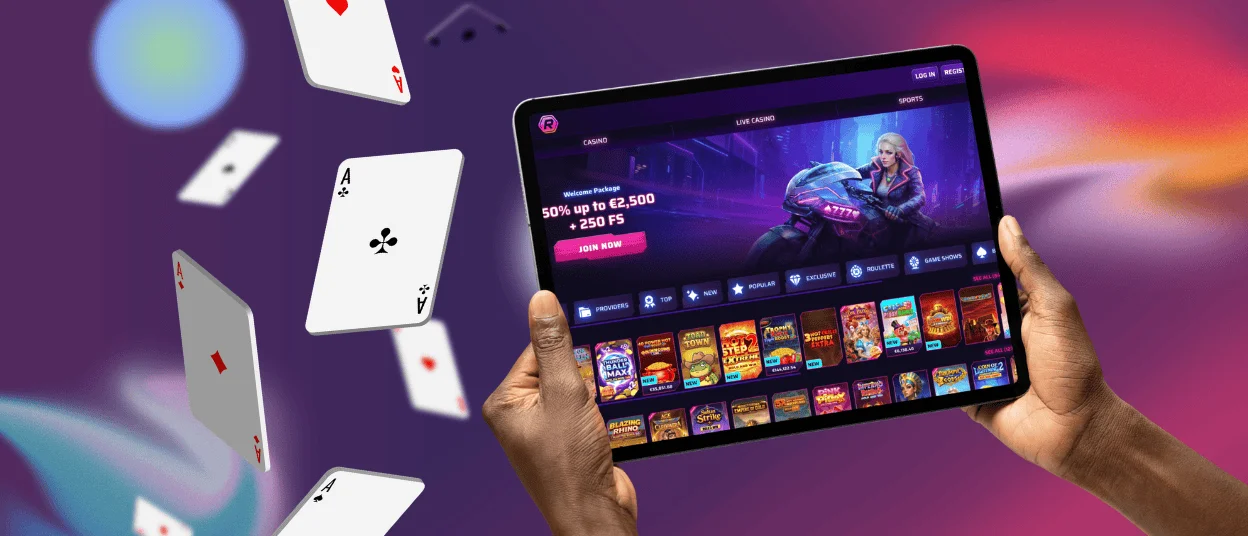
RobyCasino App for iOS
The iOS shortcut is created from the browser rather than the App Store. On an iPhone or iPad, use the Share menu to place RobyCasino on the home screen.
- Open the Roby Casino website in Safari.
- Tap the Share icon and find Add to Home Screen.
- Choose a name for the shortcut and tap Add.
The new icon opens the mobile website directly. It is simply a quicker route to the casino, so the usual account email and password still apply.
RobyCasino Application for Windows/macOS
RobyCasino runs through the website on both Windows and macOS. Open the official page in an up-to-date browser, complete the login, and use the casino in a normal tab.
A bookmark or browser shortcut can make the next visit faster. This keeps Roby Casino close at hand on a computer without relying on software from another download site.
Safe Mobile Play
Start with the address bar. It should show robycasino.com before you type an email, password, or payment details. RobyCasino encrypts sensitive information, and 2FA is available if you want a second check at login.
Your phone needs some protection too. Keep it locked, choose a password you do not use on other sites, and never save your login on a borrowed device. Any payment method should be in the account holder’s name.

FAQ
Can I try games in the RobyCasino app for free before playing with real money?
Yes, many titles in the mobile lobby have a Demo button and can be tried without a deposit. Free-play access depends on the individual game.
Which browsers work best with RobyCasino?
Use an up-to-date browser that supports the casino website and its home-screen shortcut. Safari follows the iOS Share-menu route, while Android users need a browser that offers Add to Home screen. On Windows or macOS, open Roby Casino directly in a current mainstream browser.
Can I play Live Casino games on the RobyCasino app?
Yes. Open Live Casino from the mobile lobby and choose a table just as you would on a computer. Live video can struggle on a weak signal, so reliable Wi-Fi or mobile data will make the session smoother.
Is it safe to log in and make a Deposit through the browser?
Yes, as long as you are on the official RobyCasino website. The site encrypts sensitive data, and you can turn on 2FA for the account. Check the address before entering payment details, especially if you opened the page from a message or an ad.


